Appearance
Introduction
What We're Building
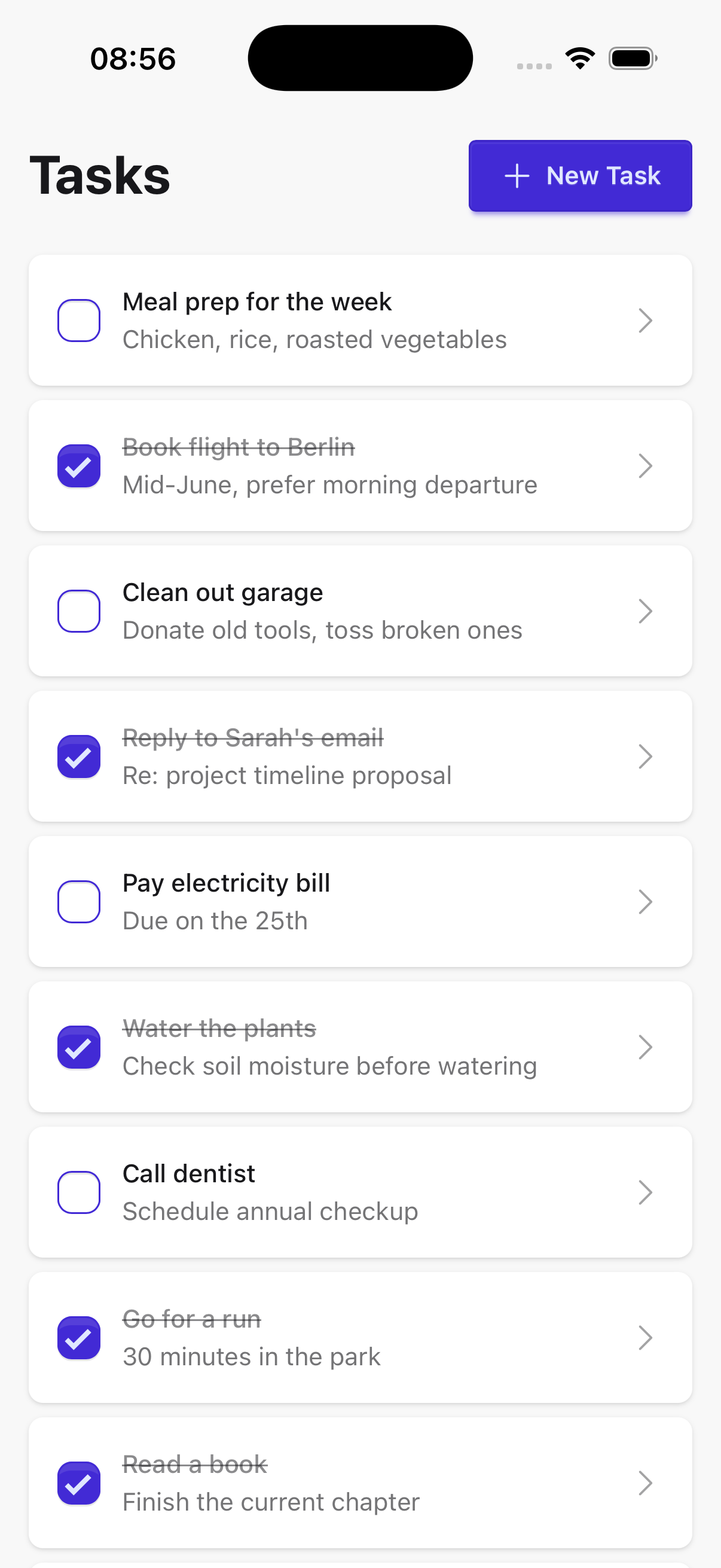
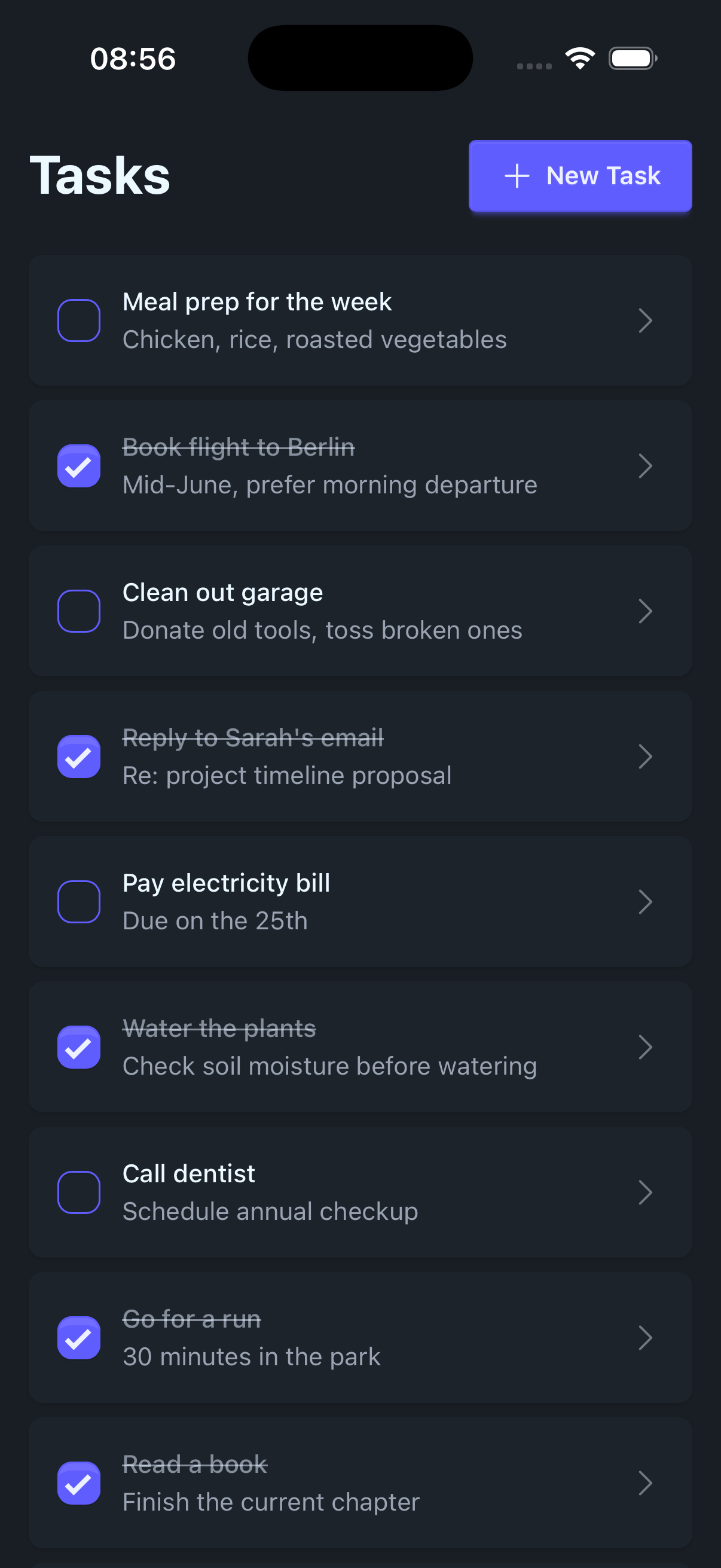
Welcome! Over the next few chapters we'll build Doable[1] together, a simple task manager. It's small on purpose, but it gives us enough to cover the whole stack. We'll have a JSON HTTP API compiled to Erlang, a browser frontend, and desktop and mobile apps for iOS and Android via Tauri, all compiled to JavaScript and sharing the same Gleam types and validation under the hood.
Doable lets users create, view, update, and delete tasks. Simple on the surface, but it gives us enough surface area to cover the full stack: database persistence, HTTP routing, frontend state management, and cross-platform packaging. The finished product consists of:
- API Server — a JSON HTTP backend compiled to Erlang using PostgreSQL database
- Web App — runs in any browser, served by the Gleam backend
- Desktop App — packaged as a native app via Tauri
- Mobile Apps — deployed to iOS and Android via Tauri
Architecture
Development
The database and Gleam API server run in Docker via docker compose up. The API server can also be run locally when actively developing it. The database is a single PostgreSQL container with two databases inside: one for development and one for integration tests. All three clients — browser, desktop, and mobile — share a single lustre_dev_tools dev server for hot reload, which proxies their API requests to the Gleam API server (in Docker) or a local instance, avoiding CORS issues. Integration tests simulate requests directly against the router, connected to the dedicated test database.
  ┌────────────────Docker────────────────┐
  │┌─────────────PostgreSQL─────────────┐│
  ││┌───────────────┐   ┌──────────────┐││
  │││ Test Database │   │ Dev Database │││
  ││└──────▲────────┘   └───────▲───▲──┘││
  │└───────┼────────────────────┼───┼───┘│
  │        │                    │   └────┼──────────┐
  │        │         ┌──────────┴───────┐│ ┌────────┴─────────┐
  │        │         │ Gleam API Server ││ │ Local API Server │
  │        │         └─────────────▲────┘│ └───▲──────────────┘
  └────────┼───────────────────────┼─────┘     │
           │                       │           │
           │                  ┌────┴───────────┴───┐
           │                  │ Lustre Dev Server  │
           │                  └──▲──────▲───────▲──┘
           │                     │      │       │
           │                ┌────┘      │       └─────────┐
           │                │           │                 │
┌──────────┴────────┐  ┌────┴────┐  ┌───┴─────────┐  ┌────┴───────┐
│ Integration Tests │  │ Browser │  │ Desktop App │  │ Mobile App │
└───────────────────┘  └─────────┘  └─────────────┘  └────────────┘
Production
In production, everything runs inside Docker. Caddy is the single entry point, hosting both the Gleam API server and a file server for the compiled Gleam frontend. The browser loads the frontend from Caddy's file server and sends API requests through it. The desktop and mobile Tauri apps bundle the same compiled frontend locally and use Tauri's HTTP plugin to send API requests to Caddy.
    ┌──────────────────Docker──────────────────┐
    │      ┌────PostgreSQL───┐                 │
    │      │┌───────────────┐│                 │
    │      ││ Prod Database ││                 │
    │      │└───▲───────────┘│                 │
    │      └────┼────────────┘                 │
    │┌──────────┼──────Caddy──────────────────┐│
    ││          │           ┌────────────────┐││
    ││┌─────────┴────────┐  │ Gleam Frontend │││
    │││ Gleam API Server │  │  File Server   │││
    ││└──▲─────────▲───▲─┘  └──────────▲─────┘││
    │└───┼─────────┼───┼───────────────┼──────┘│
    └────┼─────────┼───┼───────────────┼───────┘
         │         │   │               │
         │         │   └────────────┐  │
         │         │                │  │
┌────────┴────┐  ┌─┴──────────┐  ┌──┴──┴───┐
│ Desktop App │  │ Mobile App │  │ Browser │
└─────────────┘  └────────────┘  └─────────┘
Backend
The server is a straightforward HTTP API built with Wisp and Mist, backed by PostgreSQL. It exposes a REST API for task resources and shares type definitions with the frontends via the shared project — a multi-target Gleam library that compiles to both Erlang and JavaScript.
Frontend
The frontend follows the Elm Architecture, implemented via Lustre — Gleam's Elm-inspired UI framework. Every page is modelled as:
- Model — the page's state
- Msg — all events that can change that state
- update — a pure function that produces a new model (and optional effects) from a message
- view — a pure function that renders the model as HTML
This makes data flow explicit and unidirectional: user interactions dispatch messages, messages drive state transitions, state drives the view. No hidden side effects, no two-way binding.
┌───▶ User interaction
│           │
│           ▼
│        Message ◀──────────────────┐
│           │                       │
│           ▼                       │
│   update(model, msg) ──▶ Effect   │
│           │               │       │
│           ▼               ▼       │
│        new Model     Effect runs  │
│           │          (HTTP, …)    │
│           ▼               │       │
│      view(model)          └───────┘
│           │
│           ▼
└──────────HTML
Who is this guide for
This guide is for developers who:
- Are comfortable with Gleam syntax and core concepts (if not, walk through the official tour first)
- Want to build a real full-stack app in Gleam and understand how the pieces fit together
- Are new to the Gleam ecosystem and want to see how it all connects — from the database to the UI
- Are curious about Docker, Lustre, Wisp, or Tauri in a Gleam context
No prior experience with Docker, Erlang/OTP, frontend frameworks, or Tauri is required. We'll introduce relevant concepts as they come up.
Prerequisites
Before starting, make sure you have the following installed:
- Gleam — the language compiler and build tool
- Erlang — required to run and test the backend locally
- Bun — JavaScript package manager and runtime used in this guide (npm, pnpm, or yarn work too)
- Docker — for orchestrating services locally and for production deployment
- direnv — automatically loads
.envrcfiles in projects, which load environment variables - Rust — required by Tauri
- Xcode — required for iOS builds (macOS only); also install Cocoapods via Homebrew and follow Tauri's iOS setup guide
- Android Studio — required for Android builds; follow Tauri's Android setup guide to configure the NDK and environment variables
Web-only path
If you only want to build the server and the browser app, you can skip Rust, Xcode, Cocoapods, and Android Studio. You'll be able to follow the entire Server track and chapters 1–7 of the Client track. Add the extra prerequisites when you reach Tauri Setup.
How to Use This Guide
The chapters are meant to be read in order — each one builds on the code from the previous. You don't need to type everything from scratch: the complete source is available at github.com/lukwol/doable.
Throughout the guide, footnotes link to the specific commit where each change is introduced, so you can always diff against the reference if something isn't working.
The name is inspired by the fantastic Rails New tutorial by Typecraft. ↩︎